How to organise outlook

When you know the importance of organising your life and your day you need a tool to help you do this. For this article “how to organise outlook” I’ll break it down in more detail. Clearly these are transferable skills, you can use them also if you use Google Calendar, have a paper-based planner, or use anything else to keep track of your days.
In how to organise your day planner I argue for blocking out time to work on your project. In how to organise your life I suggest you have a particular project you work on at that point in time. In this article we’ll dive deep into what this looks like in your outlook calendar?
How to organise outlook – block your days
I normally book the morning out for 1 or 2 deep work blocks in line with Cal Newport’s thinking, but my approach is a little more fluid. One block is my own projects, this includes writing for this website, reading and writing for my PhD. It is done early in the morning before anyone “needs” something from me. When it moves to standard business hours, I still block out 2-hour blocks on most days. This allows me to move the needle forward on big work projects. What these blocks of time allow me to do is think through ideas in silence, research topics I need to understand at a deep level before I share and discuss with others.
The above morning block work, for me. It is important that you know what works for you when you experiment with these ideas.
Aks yourself:
When is your energy highest and can you make the most amount of progress in the least amount of time?
Do you draw, discuss or sit in silence with your ideas?
Do you like going for a walk or sit down?
Should the environment be quiet or lively?
When can you book time to do this?
So how does this work in the context of how to organise outlook?
You can use outlook features to help you organise your life in a variety of ways, for example:
Work with Colour coordination
A task manager
How to organise outlook - use colour coordination
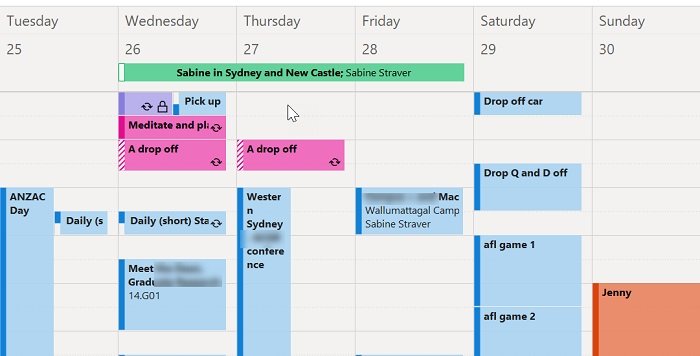
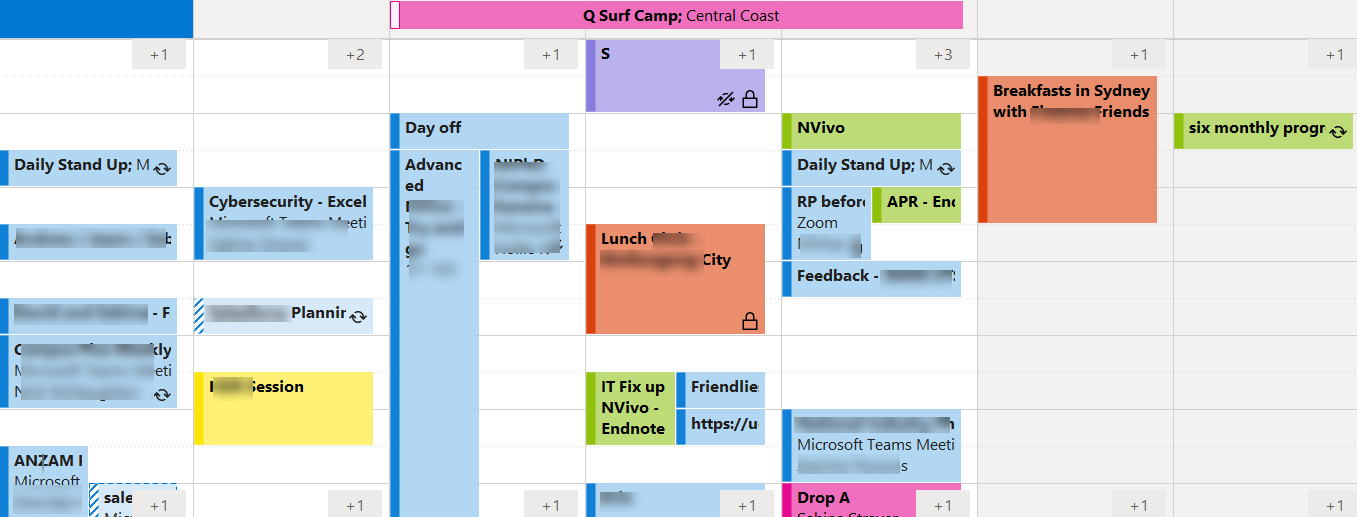
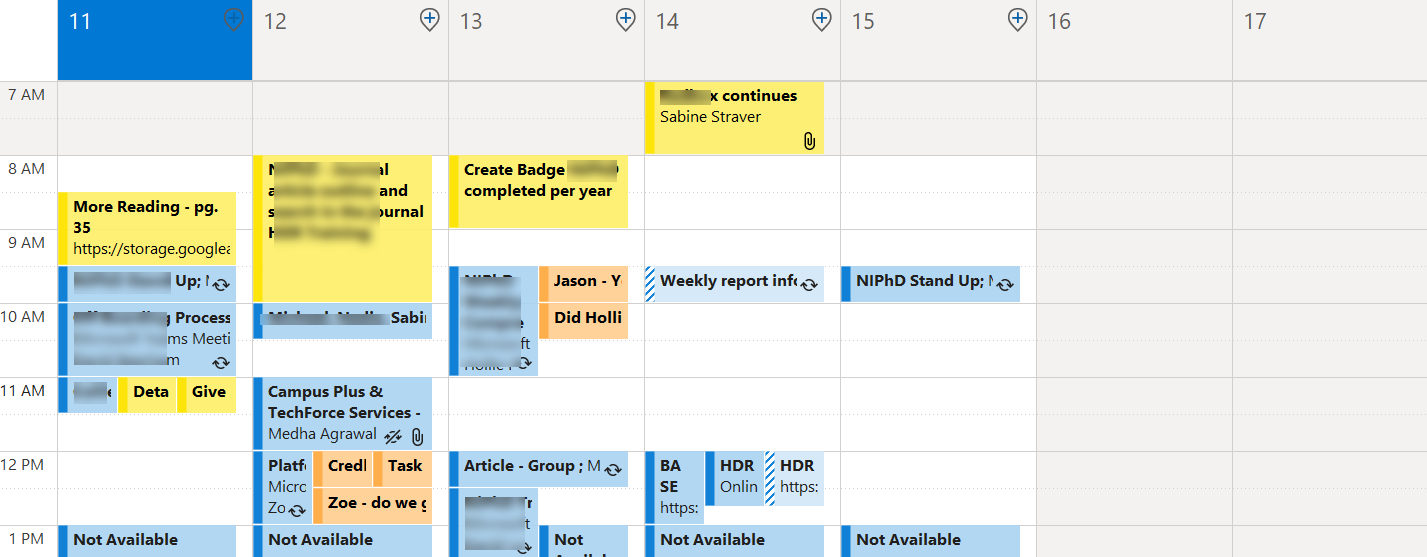
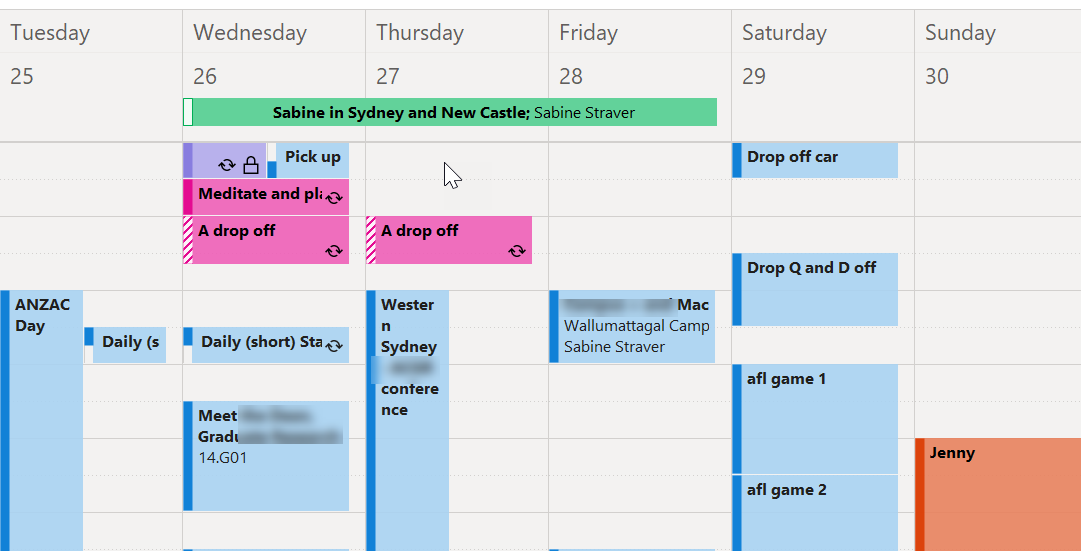
Organising with outlook or any other online calendar allows you to colour coordinate things. Having a glance at the calendar will allow you to see what the main focus of my day is based on the colour that has been used.
Here are the colours that help me to organise outlook at the moment (I still change or tweak from time to time).
Blue = meetings I need to be somewhere, and people are expecting me to be there
Yellow = Deep work, time that I am away at undisclosed location to work deeply on my current project.
Purple = breaks / sanity / health - Having blocks of in purple mean I either take breaks or do exercise. Sometimes I delete them but having 1.5 hours a day set aside for a break allows me a buffer and hopefully reduces the times I run from one meeting to the next.
Pink = Motherhood, what do I need to do / know in regards to the children and their schedules.
Orange = relationships with family and friends
Green = Trips away
Below are some screenshots of my calendar over the years:
If you want to learn more about how to organise outlook through calendar coordination click here for Microsoft’s own information article on how to set this up.
How to organise outlook – use a task manager
Outlook has its own tasks manager, I have used it in the past. At the moment however for me pen and paper on a daily basis in combination with an electronic calendar and regular meetings with task boards works. As your work life, commitments and routines change it is worthwhile to experiment what works best for this particular season in your life.
How to organise outlook – seeing the whole week in a colourful overview
If I want to balance my week, I want to reduce meetings and admin. Increase deep work and proactive work. And have a nice balance between health/motherhood and relationships. If one colour dominates I need to pause and acknowledge it plus inform or tweak other areas of my week to find a balance. Alternatively, I can accept that this particular week is very heavy on for example meetings, work travel, doing a lot of parenting or having several health related appointments etc.
How to organise outlook – use your tasks within context of the time you work on them
This is where outlook can shine, rather unexpectedly as you can add context. Like most of us, you have items on your to-do list.
“To-do items are useless without a date, time and place you will do them. ”
A list of things to accomplish brings up emotions either overwhelm, feeling depressed, or stuck. However, if you space them out over your weeks and days when you are in the right location and in the right frame of mind, these tasks give you purpose. It allows you to ask questions in meetings, have files etc. ready at the right time. I also find that a to-do action I see as very important might not be important at all 4 weeks later when I get the reminder. In these cases, you can simply delete and remove the to-do items.
So how to organise outlook – utilise meetings and tasks?
When you get a task, you can place in your outlook calendar as an event for the day or as a meeting with yourself. A day “event” makes it appear at the top of your calendar. I often do this if I need to remind myself that for example the kids have swim carnival. If you however have to do something you create a meeting and now you have allocated a time on a specific day that you will do the task.
Your calendar initially might get fuller because you are actually giving yourself the time to do the work but after a while the work gets done because it is booked in and you are reminded of the task within context. You will also quickly see if someone asks you to do something else if your week is getting too full and they either need to decide what you should stop working on or they need to wait.
The above approach might sound rigid, however learning how to organise outlook via events and meetings still allows a high level of flexibility, as especially in electrical format like outlook, it is easy to move the tasks towards the future allow more time or move something forward if someone is cancelling a meeting.
When unexpected time is freed up, I can quickly scan some of the focused meetings with myself and move them when there are gaps in my schedule. If I have set deep work sessions booked, I can now specify what I will do in my deep work session. These actions prevent me from having to remember the little tasks, see my week in and the hours I have available without going to an external program like Trello, Teams, Todoist, or paper-based lists.
In some cases, I do use boards as discussed on this page (#How to organise emails in outlook) but this is if I have regular meetings with people, these meetings are already in my calendar and in an hour meeting we go through our combined tasks, follow up on email correspondence etc. A meeting with a task board can keep emails under control and a project moving through regular conversations.
“The key takeaway from how to organise Outlook through meetings and tasks is that a list without context and time to work on the task remains relatively useless. ”
In the outlook software you can have your different colours and even double information at meeting times because you are providing yourself with information relevant within the context (time and place):
So moving forward in your journey to learn how to organise outlook experiment with:
Adding things to remember as a “task” on top of the day in your outlook calendar
Add extra blocks next to your meeting with the information you need e.g. the questions you have or links to the files you require.
Below are some images of how this can could look like:
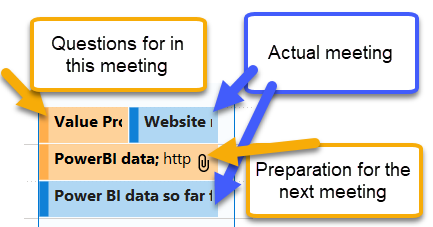
An example of how to organise outlook. The blue are the actual meeting the orange provides in context links to content, preparation or questions related to the meeting.
How to organise outlook and trust your system
Whether you learn how to organise outlook or use another system, you need to be able to trust your system. And make sure it is something that you naturally look at every day. A lot of organisations use outlook there to learn how to organise outlook or equivalent (these are transferable skills) is important. Once you have learned the basics you need to think about implementing little systems to add tasks, shift appointments, and increase flow within the day or week.
Allow for a high level of flexibility and experimentation in the beginning. Like you, my day rarely goes exactly as planned, and if I become too prescriptive, I boycott my own efforts with not wanting to do something. Learning how to organise outlook and move things around, allows you to ride the highs and lows of changing productivity, concentration, and your energy levels.
Whether you learn how to organise with outlook or another tool, the key with any tool you use as a task manager is asking yourself some important questions.
Do I like this tool?
Will it make my life easier?
Does it align with how I think about my to-do list?
Once you use the tool for a while ask yourself: Do I enjoy using it and am I getting better with time?
Why learn how to organise outlook?
If others need to be able to see your calendar. Outlook allows this to be done very easily and quickly within an organisational context. It is Microsoft based, which is a standard operating system and the reason why Outlook at the moment of writing it is still king in many organisations. However, feel free to use the program that is used by your employer it is better to swim with the tide rather than against it.

If you are keen to Organise Outlook
You’ll love to learn more about organising, paperwork and productivity in my Paperwork Course.
If you use other systems and they work well or you have any comments on this article, please let me know.